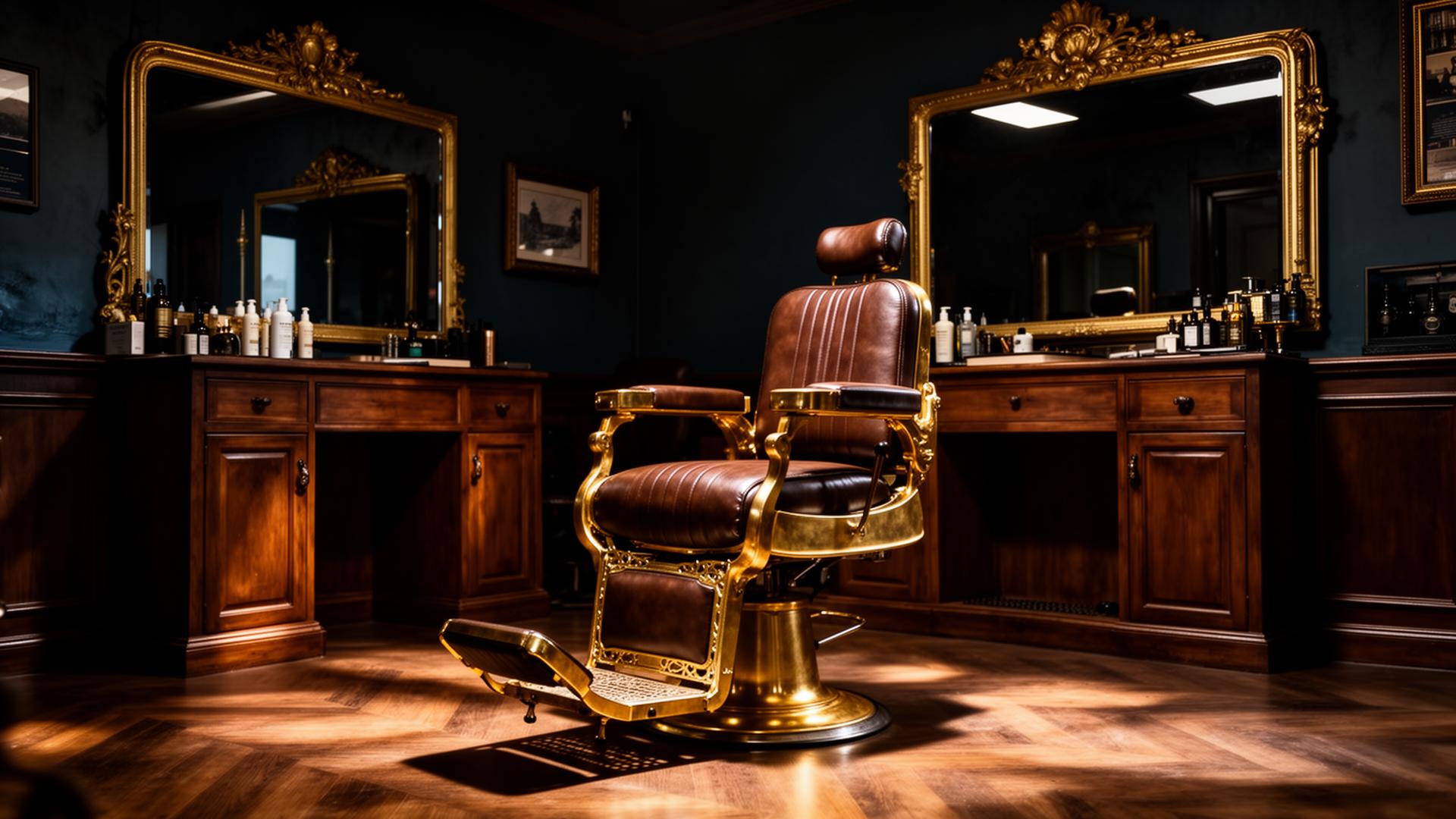
Preview Your Next Cut Before You Sit in the Chair.
Upload your photo, choose a haircut style, and see a realistic preview before booking your appointment at Havana Men — where old school craft meets new school precision.
Create Your Haircut Preview
Upload or take your photo, optionally add a reference haircut, then choose one style to preview.
Upload Photos
Your photo is required. The reference haircut is optional.
Your Photo
Required. Use a clear front-facing photo with good lighting and visible hairline.
Reference Haircut
Optional. Add a reference if you have a specific cut you want us to match.
Choose One Haircut Style
Pick one main haircut. You can customize the fade, top length, texture, hairline, and beard blend after selecting the style.
You can select one main style and customize the details. Example: Low Taper Fade + textured top + beard blend.
Requires your photo and one selected style. The reference haircut is optional.
Sixteen signature cuts.
Tap a style to lock it in for your AI preview.
Honest pricing. Master craft.
From a fresh shape-up to the full Havana experience.
Signature Menu
Demo Add-ons
DemoFour steps. One sharp result.
Step 1
Snap a selfie
Front-facing, good light, no hat. Upload it in seconds.
Step 2
Pick your look
Choose hair type, goal, and a signature Havana cut.
Step 3
Preview the cut
Our AI visualizes the result before you commit.
Step 4
Book the chair
Send your preview to a master barber and lock in the look.
Like the preview? Book the exact look.
Send your selected style straight to a Havana Men barber.
Behind the chair.
A digital pre-consultation system — previews, briefs and bookings in one view.
Previews generated
0
Consultation briefs
0
Most requested cut
—
Booking requests
0
Consultation Queue
Customers who sent a full style brief or booking — review before they arrive.
Inspiration Style Gallery
Toggle which reference styles appear in the customer's gallery picker.